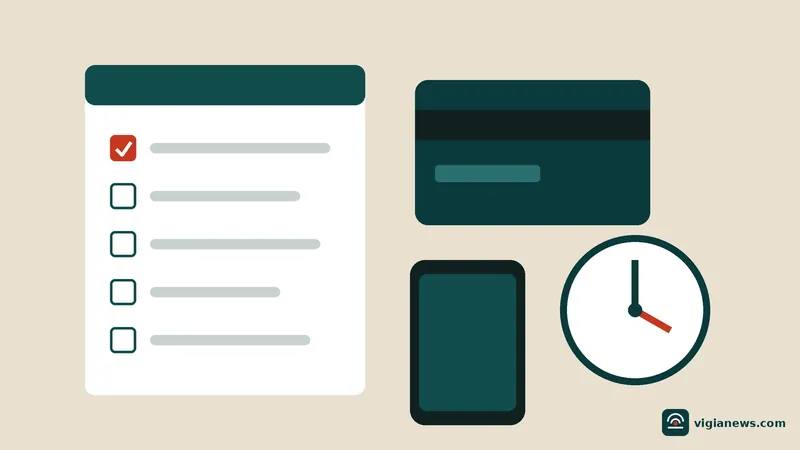
Is That Delivery Text Real? Check Your Order Before You Tap
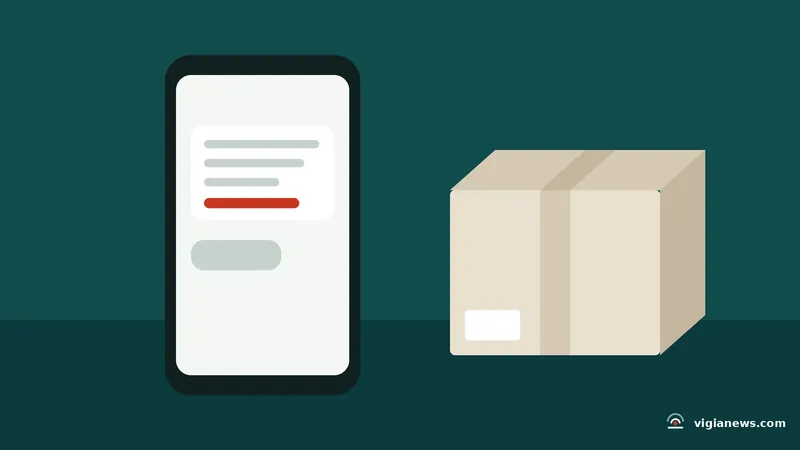
If a text says your parcel is on hold, open the order where you bought the item and check the tracking from there. You can find out whether a delivery needs attention without replying, paying a small charge or typing your address into the page the sender chose. This also works when you really are expecting a parcel, the circumstance that makes the message easy to believe.
The US Postal Inspection Service describes a form of phishing in which someone posing as a delivery service sends a text to obtain personal or financial information. You may see the term “smishing” for phishing by text message. The useful question is whether the courier responsible for your particular order is asking you to do anything through a channel you can verify yourself.
Match The Notice To The Order
Start with the retailer’s app, a saved bookmark or the business you ordered from. If there are several orders in transit, open each order’s shipping details.
Note the courier, tracking number and most recent update. A merchant may split a purchase into separate shipments, so check which item is attached to the number in front of you.
Go to the courier’s official site separately and enter the number taken from your order. A number supplied only by the unexpected text cannot connect the message to your purchase.
If the merchant has not provided a tracking number, ask the merchant for it through the original order. You can still resolve a missing delivery without speaking to the person who sent the text.
A vague request to confirm your address can seem plausible if the parcel is a gift or you have just moved. Look at the delivery address inside the order, including the apartment number.
If you find an error, contact the shop or carrier there. A real mistake in your address does not make the unrelated link a safe place to correct it.
Why A Small Fee Deserves A Separate Check
Switzerland’s National Cyber Security Centre has described messages invoking a small customs fee or an address check. The apparent price can be the least important part of the request.
The page may ask for a complete card number or enroll the visitor in a subscription they did not intend to buy. Look at what you are being asked to hand over, even if the amount shown looks trivial.
Real deliveries can involve customs charges. Where a payment is genuinely due, ask the carrier how to find the charge through its official service and which shipment it applies to.
If a parcel is a surprise gift, the sender may be able to confirm which carrier they used. You do not have to disclose your card details to find out who sent you something.
The US Postal Inspection Service’s package tracking guidance (opens in a new tab) also explains one service-specific rule. Its guidance says USPS text tracking must be requested with a tracking number and those texts contain no link.
Other carriers run their own systems. Check the policy of the one actually carrying the parcel before drawing conclusions from the appearance of a text.
What To Do Now, Based On What Happened
- You received the text and left it alone. Check the original order if needed. Use your phone’s report-junk option if available, then delete the message. Receiving an unsolicited text on its own gives you no reason to replace a card you never supplied.
- You opened the link. Close the page and leave any further prompts alone. Note whether you entered anything, allowed notifications, downloaded a file or installed an app.
Update your device and browser. Opening a page alone cannot establish that someone has your password or made a payment. 3. You entered a password. Open the genuine service separately. Change that password and any identical passwords on other accounts.
Turn on two-factor authentication, which asks for a second proof when you sign in. If you cannot get into the account, use its official recovery process. 4. You entered card details or approved a payment. Contact the card issuer using your usual banking app or the number on the card. Explain what you supplied, the displayed fee and whether you approved anything. Ask about blocking further use and checking pending or recurring charges. 5. You installed software or allowed remote access. Stop using that device for banking. Use a different trusted device to contact the bank and secure affected accounts. Seek help through the device maker’s official support to remove unwanted software and check the device before using it for sensitive tasks again.
Keep The Details That Someone Can Act On
If you shared information or lost money, save the text, its sender, the date and any payment confirmation before deleting it. A screenshot of the request may help the courier investigate misuse of its name.
Avoid reopening the suspicious link to get a better picture. The record you already have is a safer starting point.
If a file downloaded automatically, leave it unopened and note its name. You can give that detail to the device maker’s support team without opening the file to see what it does.
Tell the bank if you typed a one-time code or approved a notification. What the screen said and what you thought you were approving are both worth recording.
If a caller subsequently claims to be the bank investigating the parcel charge, end the call and use the bank’s published contact details. Do not pass another code to a caller to cancel the first one.
Finally, return to the original order. If delivery is still overdue, ask the retailer to trace that shipment.
If money went to the suspicious site, use the payment recovery guide to pursue that transaction separately. The merchant can help locate your parcel while the payment provider handles the charge.

The editorial team checks warnings against the organizations that issued them. Its reporting explains the evidence and the next steps available to readers.